Minesweeper Online
Reveal safe squares and flag the mines. Numbers tell you how many mines touch each square.
Use numbers to find the mines.
Open squares
Click a square to reveal what is underneath. Numbers show adjacent mine counts.
Flag mines
Use flag mode or right-click to mark squares you are certain contain mines.
Clear the board
Reveal every safe square without triggering a mine to win.
Minesweeper: A Windows Classic Explained
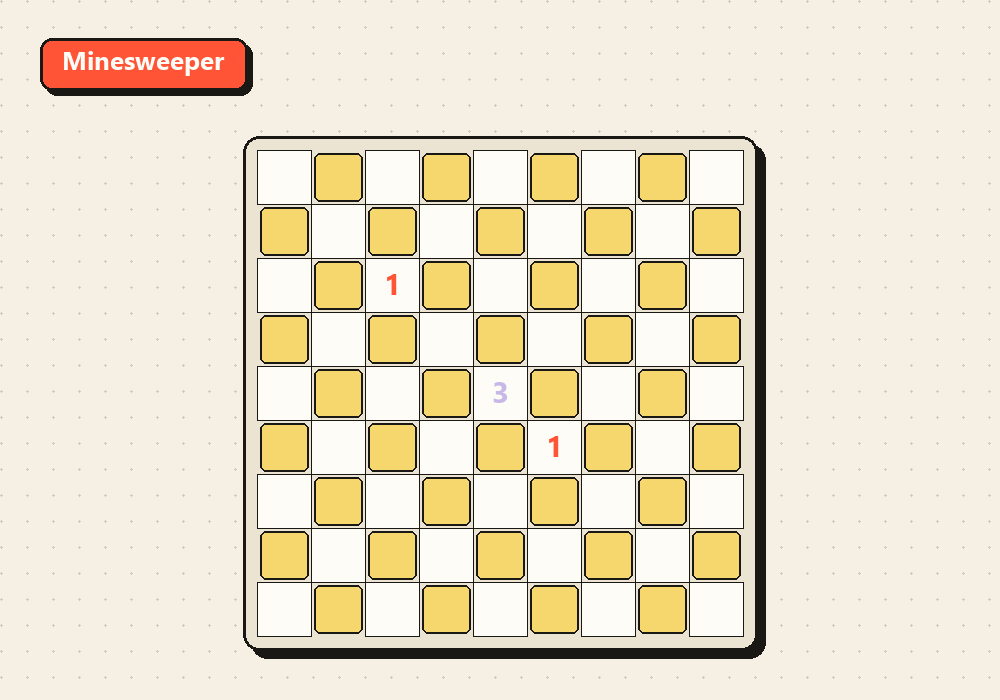
Minesweeper is one of the most beloved puzzle games of all time, largely because it was bundled with every copy of Microsoft Windows from version 3.1 in 1990 through Windows 7. The version most people know was created by Robert Donner, who built it as a way to help users practice precise mouse clicking while keeping them entertained. In its Windows years, Minesweeper introduced hundreds of millions of PC users to the game — making it one of the most-played computer games in history without being a commercial product.
The game's design is built on logical deduction. Each revealed number tells you exactly how many of the up-to-eight adjacent squares contain mines. By combining information from multiple numbered squares, you can mathematically determine which squares are safe to open and which must be mines — without ever guessing, in most situations. This pure deductive logic makes Minesweeper deeply satisfying for players who enjoy puzzles and systematic reasoning.
However, Minesweeper is not always fully solvable through logic alone. In a standard game there are typically a handful of positions where two equally probable interpretations exist and a 50/50 guess cannot be avoided. The best players minimize required guesses by deferring ambiguous squares until surrounding information resolves them — and accepting the occasional unavoidable guess as part of the game's honest challenge.
Solve the board with better logic.
Open corners and edges first
Corner squares have at most 3 neighbors and edge squares have at most 5. Their number constraints are resolved more quickly than center squares, giving you solid early information to work outward from.
Learn the 1-2 pattern
One of the most useful deductions: if a "1" square has one unrevealed neighbor adjacent to a "2" that shares that neighbor plus one more, the extra neighbor of the "2" is always safe. Recognizing classic number patterns speeds up solving time dramatically.
Flag only when certain
Only place a flag when you are mathematically sure a square is a mine — wrong flags corrupt your own logic and waste clicks. Open squares freely once you have confirmed they are safe; cascades often reveal large areas at once.
Defer 50/50 guesses
When facing a position where logic cannot resolve two equally likely squares, move to another part of the board first. Information from elsewhere frequently resolves the ambiguity later, saving you from an unnecessary coin-flip.
Common questions about Minesweeper.
What is the board size and mine count?
Our board is the classic 9×9 grid with 10 mines — the "Beginner" difficulty setting from the original Windows Minesweeper. It is the most approachable size for learning the core deduction mechanics before moving to harder configurations.
Can the first click hit a mine?
No. In standard Minesweeper implementations — including ours — the first square you click is always safe. Mines are placed after the first click, ensuring you always begin with useful information rather than being immediately eliminated.
Why does the game sometimes force a guess?
Some board configurations are genuinely ambiguous — no amount of logical deduction can resolve them without risk. This is a known mathematical property of Minesweeper. Top players accept the occasional unavoidable 50/50 guess and focus on minimizing them through strategy.
How do I flag squares on mobile?
Use the "Flag Mode" button to toggle between opening and flagging squares. When Flag Mode is on, tapping a square marks it with a flag instead of revealing it. You can also right-click on desktop to flag without switching modes.